Broadband and fixed lines
Business broadband plus fixed phone and fax lines at your address, ordered and installed around your move-in date.
Learn more
Moving into a new office in Hong Kong? We plan, supply and install the whole IT stack — then support it afterwards.
Most new offices need the same set of things. You do not have to know the part numbers — that is our job.
Business broadband plus fixed phone and fax lines at your address, ordered and installed around your move-in date.
Learn more
Network points, patch panels and a comms room, planned before the ceilings close.
Learn more
One appliance for routing, VPN, web filtering and intrusion prevention.
Learn more
Antivirus and ransomware protection on every laptop and desktop, not just at the network edge.
Learn more
Managed switching and access points, with coverage planned rather than guessed.
Learn more
A NAS or file server sized to your data, with a backup that actually runs.
Learn more
Local and offsite copies, and a restore we have tested before you need it.
Learn more
Email, calendars, file sharing and device sign-in — set up properly and migrated from what you use today.
Learn more
A phone system sized to your team — desk phones, a main line and call routing, without a legacy PBX.
Learn more
The same team that installed it, reachable by WhatsApp or phone.
Learn more
The one part of an office fit-out that is expensive to change after the fact — so it belongs in the plan before the ceilings go up.
Every desk, meeting room and printer needs a network point, and every wireless access point needs a cable back to the switch. The data cabling therefore has to be designed alongside the furniture and ceiling plans, not after them. Once the fit-out is closed up, a forgotten outlet means lifting flooring or running trunking across the surface.
We work from your floor plan, agree how many points each desk and room needs, and arrange the cabling: Cat6 or Cat6A from every outlet to a patch panel in a lockable cabinet, fibre between cabinets on different floors, and everything labelled and tested before handover.
Cabling costs least before you move in. If your fit-out is already under way, tell us the move-in date and we will work to it.
Send us your floor plan on WhatsAppThe right firewall, switch and storage depend mainly on how many people sit in the office. These are the builds we quote most often.
A first office or a small team. One desktop firewall, a cloud-first setup, and Microsoft 365 for email and files. No server to maintain.
Enough people to need a managed switch and shared storage. We usually add a NAS for file shares and local backups alongside Microsoft 365.
Multiple departments and VLANs. A larger firewall, structured switching throughout, and a NAS sized for real backup retention.
Head office scale. High-availability firewall options, larger storage sized for growth, and backup that has been tested by restore.
One team from the first survey to the support call two years later.
We look at the space, the cabling, the internet line and how your team works.
Hardware, licences, install and support listed separately, with lead times.
Genuine stock through authorised channels, with warranty and licensing in your name.
Firewall, switching, Wi-Fi, servers, Microsoft 365, and migration of your existing accounts.
Documentation, a walkthrough, and ongoing support from the same engineers.
Every one of these is chosen because it fits a specific office size and budget.
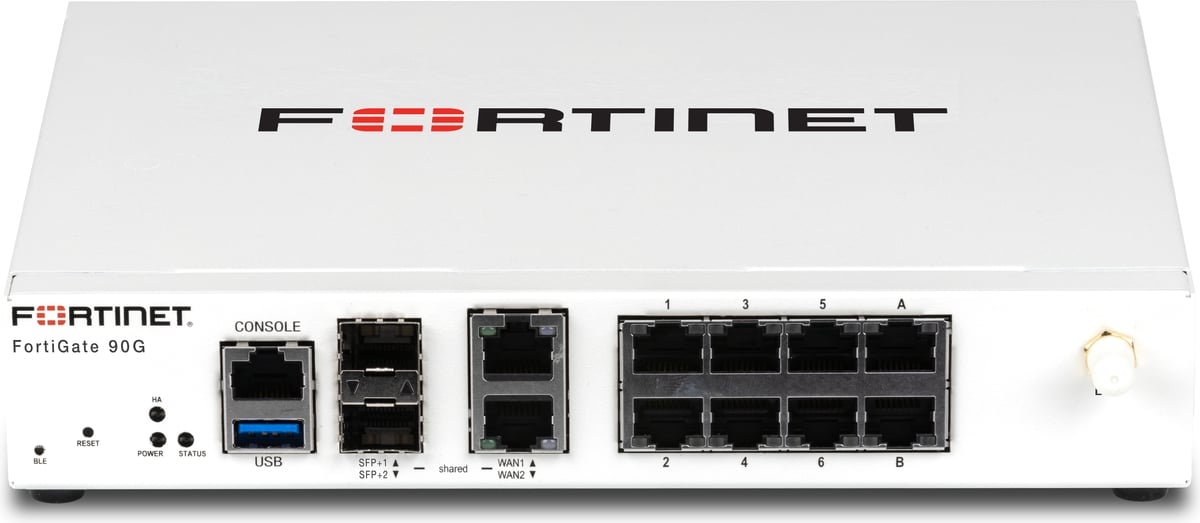
A desktop next-generation firewall sized for a single office or branch of up to roughly 100 users.
Best for: An established office or branch of up to about 100 people.

Per-user annual subscription covering Office apps, business email, Teams and 1 TB of OneDrive storage.
Best for: A new office that needs email, Office apps and file sharing from day one.
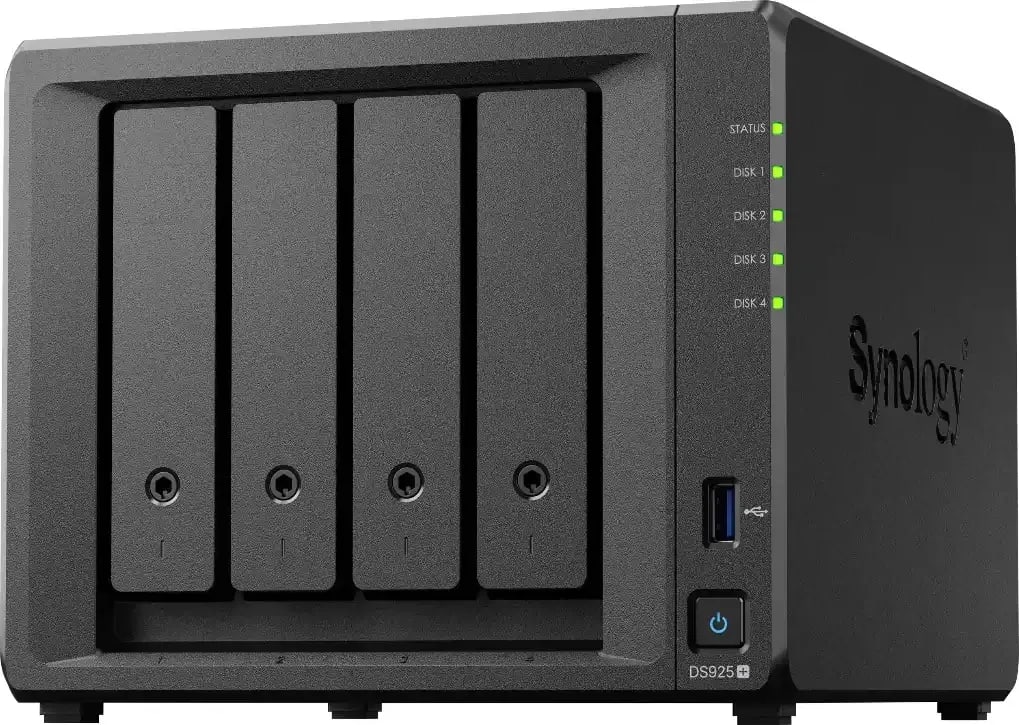
A four-bay desktop NAS for shared files and backup — the size most offices actually need, rather than a rack they never fill.
Best for: Shared files and backup for an office of about 5 to 30 people.
Send us a list, a rough specification, or just describe the problem. We will come back with options and a price.